 Dark
Titanic: 10 Seconds
3D reconstruction of the iceberg encounter, with animated text.
You install DarkFlow on your computer, connect your accounts and generate your videos.
No server queue and no minute caps. Your machine sets the limit, not a plan.
Project, script, narration and final video saved on your disk, ready to upload.
Script, voice and images run on your own AI accounts, at their prices. The license is the only fixed cost.
Every creator knows the routine.
Script in one app, voice in another, hours cutting footage — and nothing published.
Pick a style, write the topic and review. DarkFlow builds the video on your computer.
Three steps, no timeline.
Watch the video come together, step by step.
Sample animation, sped up.Made with the same engine as DarkFlow.
3D reconstruction of the iceberg encounter, with animated text.
A documentary opening, with the title animated over the scene.
Cartoon-style animation for narrated stories.
A realistic character in a mountain storm scene.
A scientific explanation in 3D, with captions over the picture.
3D scene of a lifeboat at sunset.
Script, voice, images and cuts, no timeline.
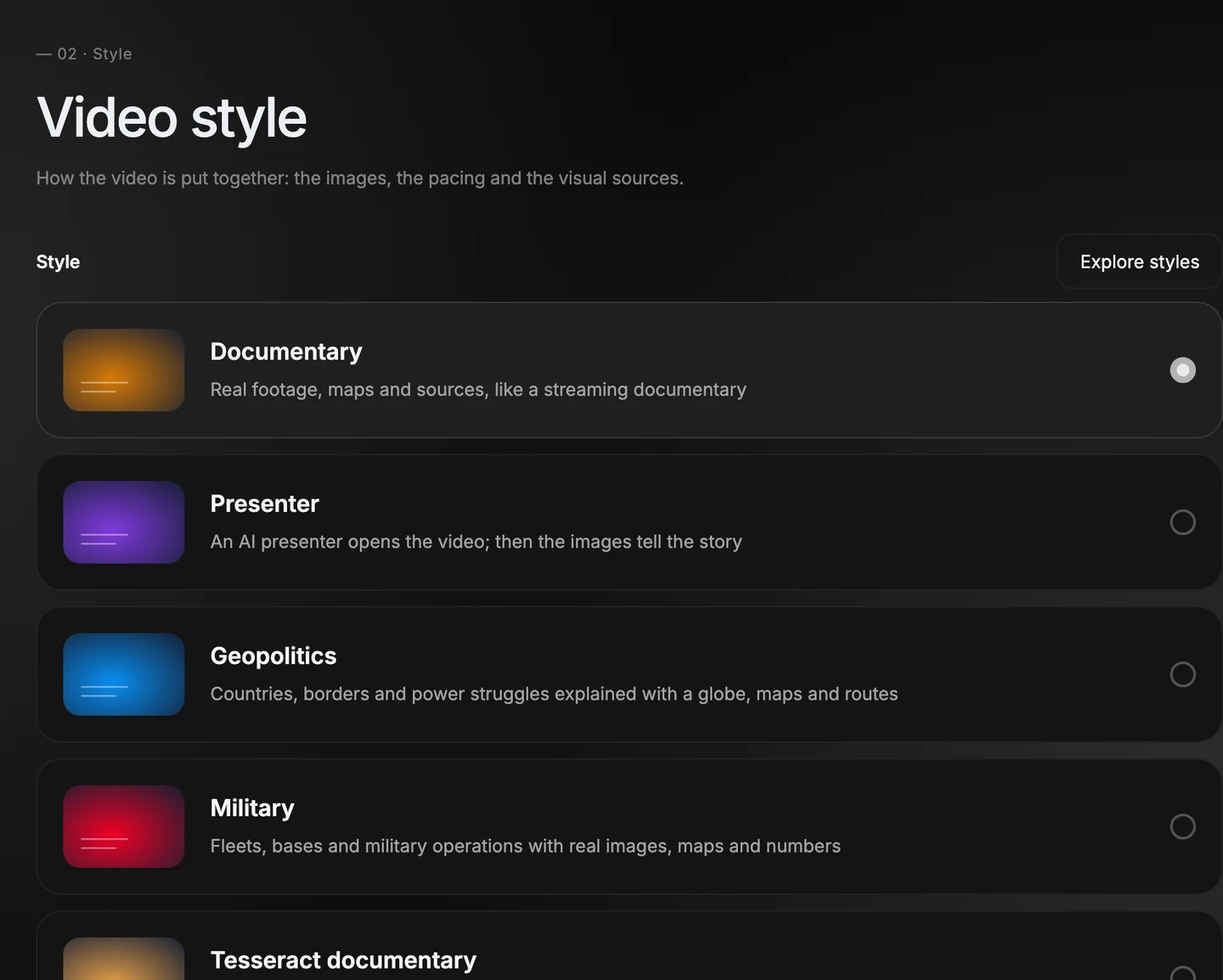
Documentary, presenter, geopolitics, military. Each style already sets the video's images, pacing and visual sources.
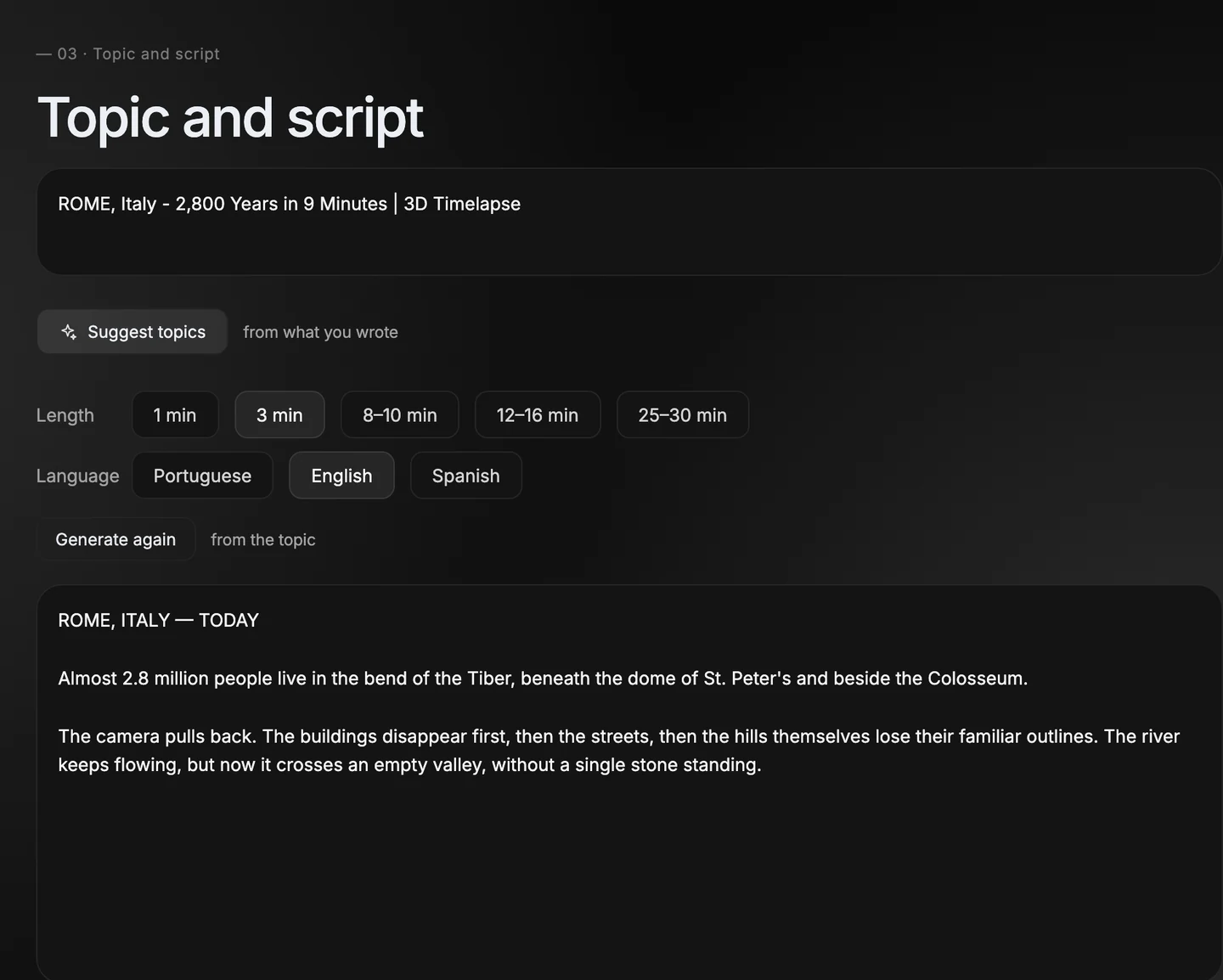
The script comes written and the topics come suggested. Give it a title as a model: the ideas copy the pattern that already works and change only the subject.
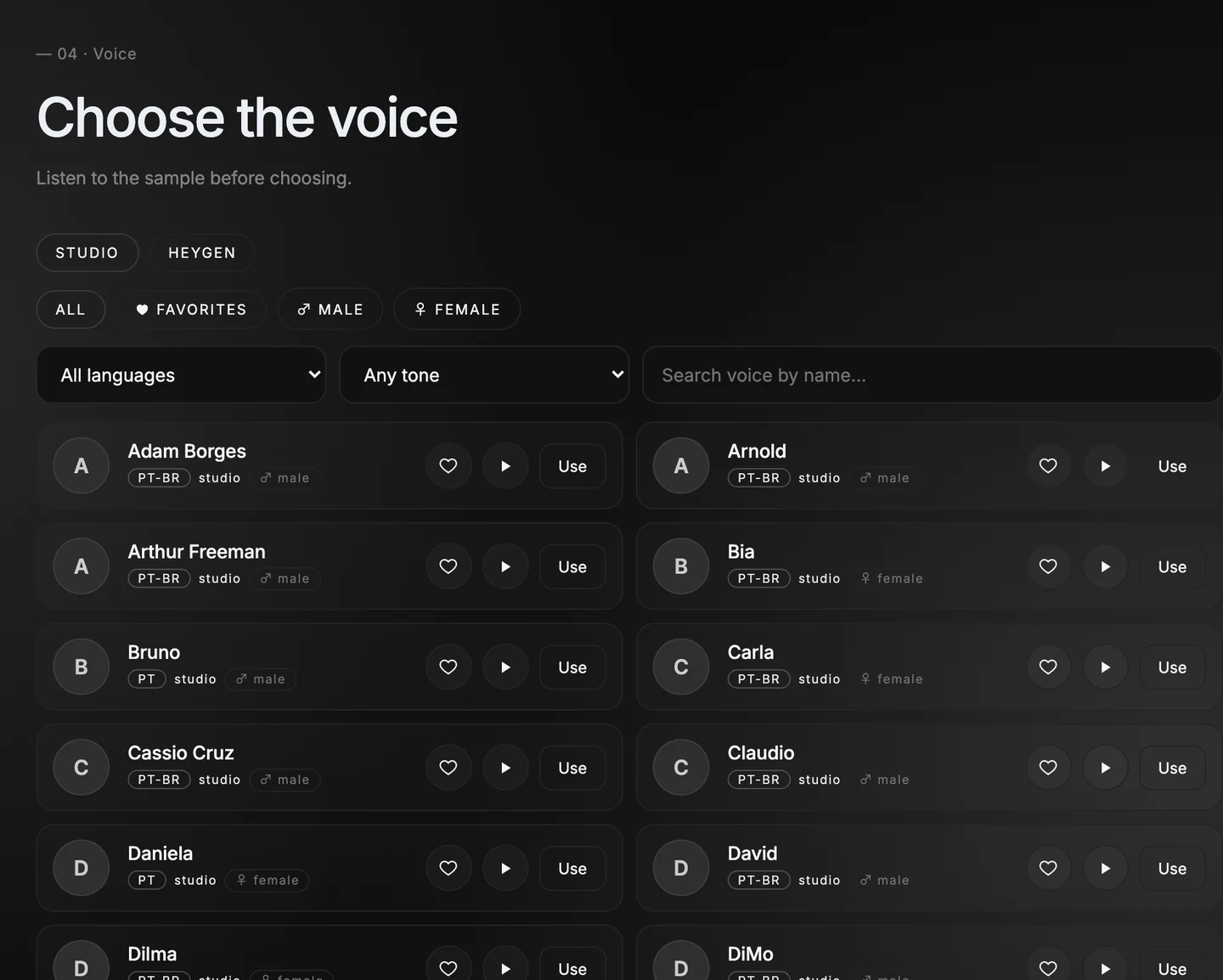
Use the studio voices or connect your own account: ElevenLabs, Fish Audio or DarkPlanner. Hear a sample before you choose.
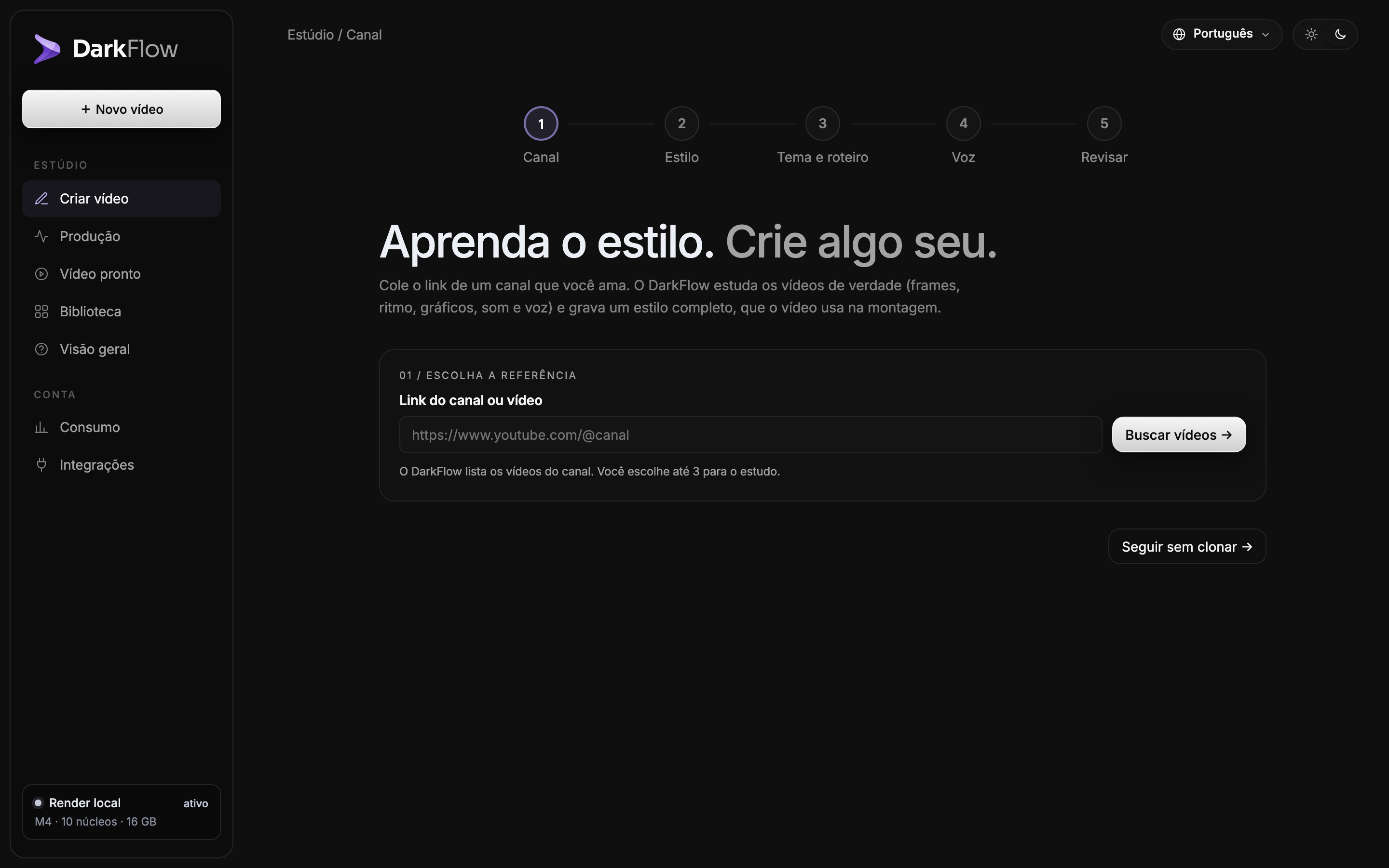
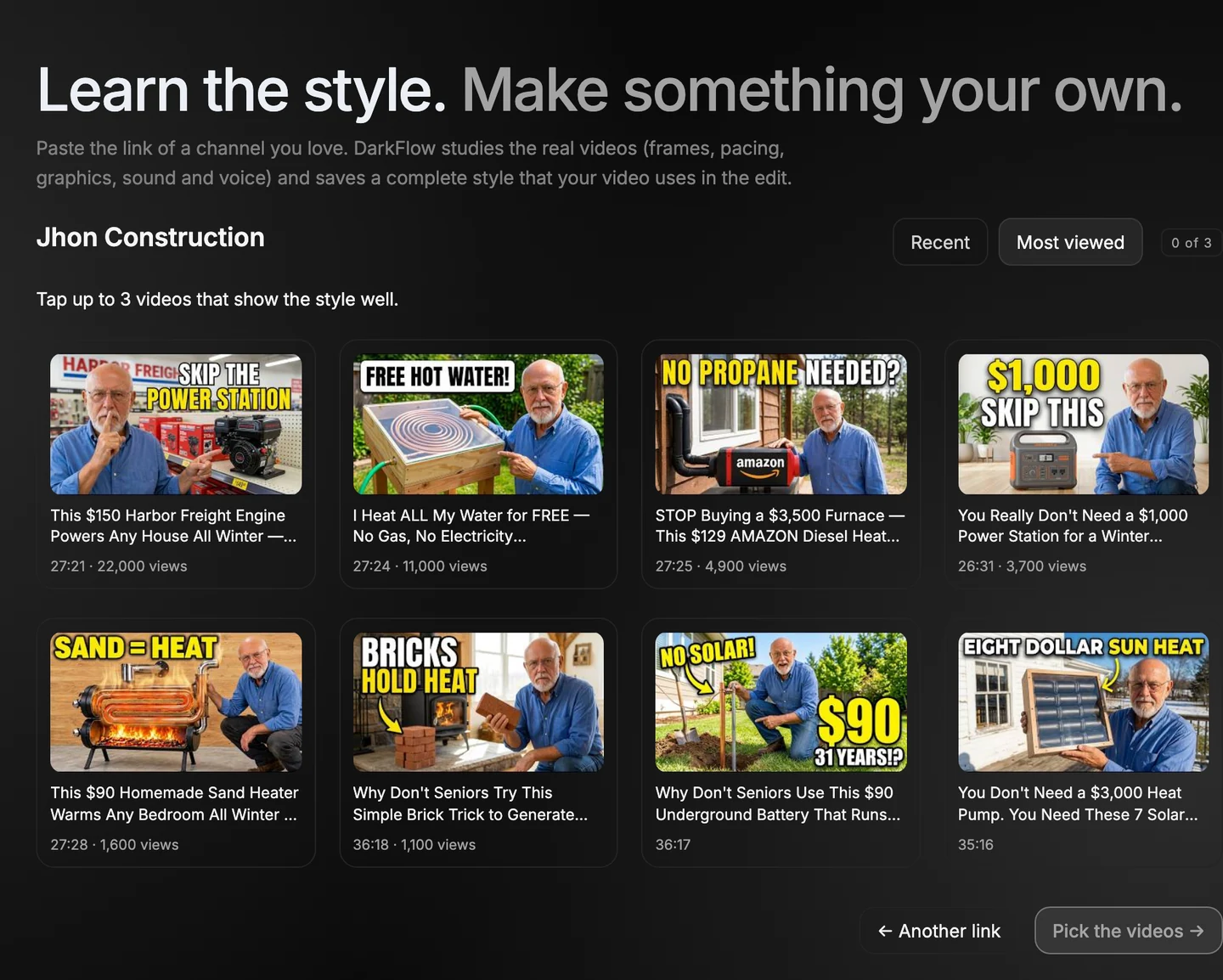
Saw a channel that works? Paste the link and tap the videos that best show its style. The pacing, cuts, sound and voice become the recipe for yours.
An avatar opens the video, appears mid-way and closes it.
Checks the facts and flags scenes that need a look.
Narration, captions, script and every scene in a .zip.
Doesn't repeat subjects or title formats.
You pick the story. DarkFlow handles the rest: script, narration, footage and editing come out ready, from your computer.
Get the license, connect your accounts and make your first video.
LifetimeOne payment, with 1 year of updates. See the price
Buy the licenseScript, voice and images run on your own AI accounts. You only pay for what you use.
 Claude
 Codex
 ChatGPT
 ElevenLabs
 Fish Audio
 DarkPlanner
 Storyblocks
 Pexels
 Pixabay
Pay once, use it forever. No subscription and no minute caps.
Lifetime license
$297 one-time payment
Buy the licenseYou pay for script, voice and images directly, on your own AI accounts. The license is the only fixed cost.
Yes. You never have to appear on camera or record your voice, unless you want to.
No. Every step in the panel has a button, and the edit is automatic.
Your video never waits in a queue, your files stay with you and the AI is billed directly to your accounts.
Usage on your AI accounts, such as Claude and ElevenLabs, each on its own plan. The $297 license is paid only once.
In your account area, after you log in. The button that opens the panel is there too.
DarkFlow started as one creator's studio. It still is — a whole studio, now running on your computer.